
Mobile browsing can be convenient when you want to inspect an online casino site without installing software or committing to an account. For Australian adults considering www.clearbrumbyaway.com/, the key question is not simply whether pages open on a phone, but whether the browsing experience, security checks and account information remain clear on a smaller screen. This guide focuses on practical mobile use, including browser access, navigation, connection choices, account recovery and the limitations worth recognising before making decisions.

What can you expect from a mobile browser?
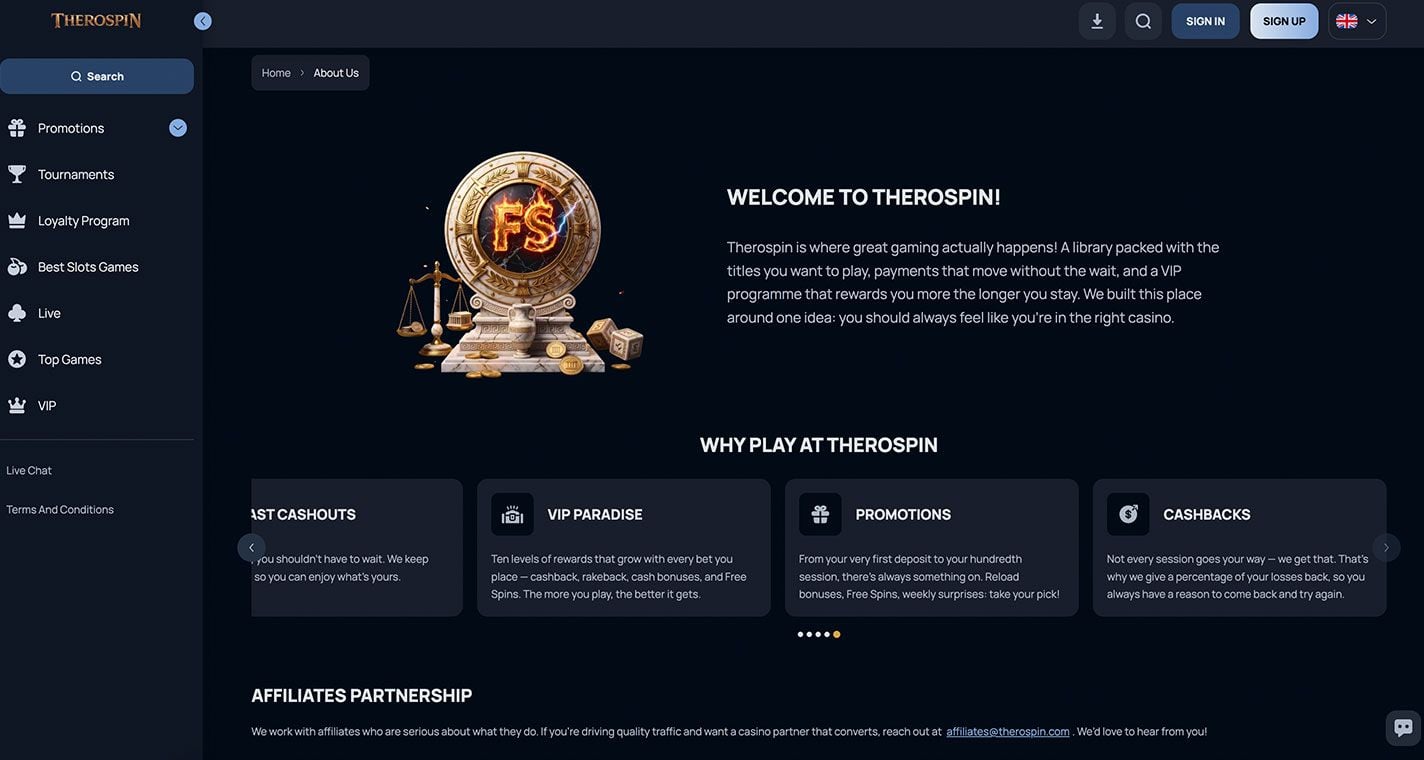
The service is available through a mobile web browser, allowing users to open the casino lobby and account pages on smartphone-sized screens. This means access is handled through a browser such as Safari or Chrome rather than necessarily through an application installed from an app store. A responsive website can be useful for occasional browsing because it avoids taking up permanent storage and can usually be opened from a familiar browser bookmark.
The mobile lobby is organised into categories intended to reduce scrolling through the entire catalogue. Depending on what is available for the account and location, users may see areas for top, new, popular, exclusive, instant, table and live titles. Separate jackpot and live-casino sections can also help narrow the search. Categories are helpful on a small display, although titles, menus and promotional panels may still require careful checking before anything is selected.
Do not assume that a downloadable file is an official mobile application. The available material describes browser access and identifies the absence of a dedicated mobile app as a drawback. An app-store listing or Android APK found elsewhere should therefore be treated cautiously unless its authenticity is confirmed through the operator’s stated channels. Browser access and a native iOS or Android app are different arrangements, with different security and update considerations.
How should you prepare a phone for safer browsing?
Begin with the phone itself rather than the casino page. Install operating-system and browser updates, use a screen lock, and avoid browsing through a device that is rooted, jailbroken or shared with several people. A separate browser profile can reduce the chance that another user sees saved form details. It is also sensible to disable automatic password saving if the phone is regularly lent to family members or left unattended.
Connection choice matters when entering personal information. A private mobile connection or trusted home network is preferable to an open public Wi-Fi hotspot. Public networks can expose users to misleading access points, and a small screen makes it harder to notice an unusual address or warning message. Australian cyber-safety advice from Australia’s national cyber security guidance is useful for broader advice on protecting devices, accounts and personal information.
Keep the browser address bar visible when opening the site, particularly after following an email, message or advertisement. Check that the spelling of the domain is correct and that the connection uses HTTPS, while remembering that HTTPS alone does not prove an operator is trustworthy or Australian-regulated. Never provide a password, one-time code or identity document through an unexpected pop-up. Close suspicious pages and reach the support channel through the site’s own published information instead.
Which mobile browsing limits deserve attention?
A phone screen can make important conditions easy to overlook. Promotional terms, wagering requirements, maximum-bet rules, expiry periods and game contribution details may appear behind expandable panels or separate pages. If a promotion is shown while browsing, read the full terms before selecting it. The available welcome conditions include multiple qualifying deposits, time limits and restrictions on some payment methods, so a brief mobile summary should not be treated as the complete offer.
Display and availability can change by location, account status, provider and device. A category visible during one visit may later contain different titles, while a live lobby’s table count is not a permanent promise. The same applies to payment methods, account limits and cashier options. Rather than relying on an old screenshot or third-party description, compare the current page and the applicable account terms before acting.
Mobile browsing also has practical limitations. A weak signal may interrupt a page while terms or support messages are loading, and browser tabs can be accidentally closed. Small controls may make it difficult to distinguish a promotion button from an account setting. For anything involving identity, payment details or bonus activation, consider switching to a larger trusted device so you can review the wording, destination and confirmation screen more comfortably.
How can you keep account access organised?
If you already hold an account, the mobile login page accepts an email address or phone identifier together with a password. Users who cannot remember the password can use the “Forgot your password?” option and follow the recovery instructions sent to the registered email address. Check that the identifier is entered correctly, then inspect spam or junk folders if the recovery message does not arrive promptly.
Account recovery is safer when the registered email account is protected with its own strong, unique password and multi-factor authentication where available. Do not forward reset messages or share one-time security codes. Avoid saving credentials in a browser used by other people, and sign out after using a public or borrowed device. If a phone is lost, change the relevant account passwords from another trusted device and review active sessions where that option exists.
Personal information should remain accurate and consistent across the profile and payment account. The stated registration process requests details such as name, date of birth, country, address and phone number, while identity checks may later require government identification or proof of address. Mobile convenience does not remove those checks. If information needs changing, use the account’s stated support route and expect additional verification where an identity detail is involved.
What should you check before relying on mobile access?
First, distinguish technical access from regulatory status. The existence of an Australia-facing page or the display of AUD does not establish that the service is licensed by Australian gambling authorities. The supplied information identifies the operator as offshore and says availability does not make it an Australian-licensed online casino. Australian interactive gambling rules and state or territory restrictions remain relevant, so local compliance should not be inferred from a phone successfully opening a page.
Next, check whether mobile access provides the controls you actually need. The supplied review did not identify deposit, loss or session limits or a dedicated self-exclusion feature within the account, and it reported that live chat did not respond during testing. Email support was listed as an alternative. Those observations may change, but they show why users should not assume that a mobile-friendly interface includes comprehensive safety controls or immediate assistance.
Finally, decide whether the small screen is suitable for the task. Browsing categories may be convenient for comparing formats, providers and current availability, but detailed terms, verification requests and payment conditions deserve deliberate review. If you cannot clearly read a condition, identify the applicable limit or confirm where a request is being sent, pause rather than guessing. Convenience is useful only when it does not replace careful checking.
Mobile browsing FAQ
Is there a dedicated mobile app?
The available information describes mobile browser access and reports no dedicated mobile app. Do not treat an APK or unofficial app-store listing as genuine without confirmation. Opening the service in a current browser is different from installing native software, so users should avoid downloads from unverified sources.
Can mobile users review casino categories?
Yes, the mobile lobby can present categories such as new, popular, live, instant, table, jackpot and other game groupings. Listings and availability can change by location or account, however. Category labels should help with browsing, not be treated as a guarantee that every named title remains accessible.
What if password recovery does not work?
Confirm that the correct email or phone identifier was entered and check spam or junk folders for the recovery message. Do not share reset codes. If the issue continues, contact support through the published email or other stated channel, using the address associated with the account where possible.